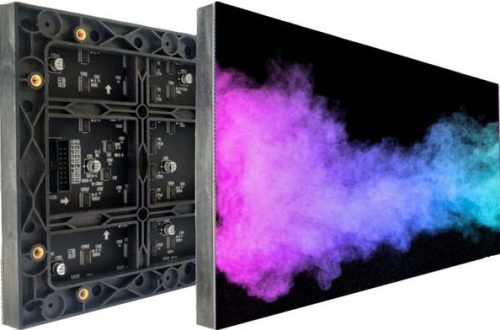
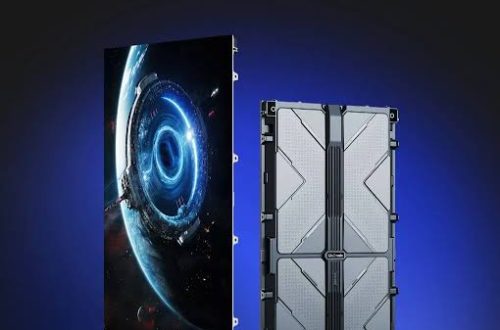
Comparing real-time playback platforms quickly shows one thing: the hardware that sits between your media server and screen often decides the outcome. For live events and large facades the right LED video controller can mean the difference between jittery visuals and flawless motion. In a straightforward head-to-head, you judge systems on latency, refresh rate and how well they handle pixel mapping at scale.
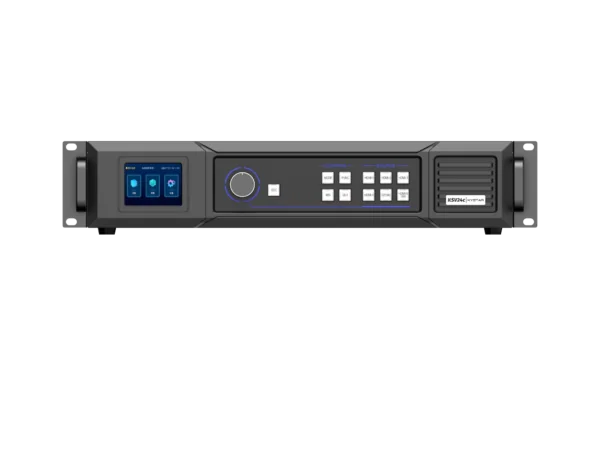
What actually matters for seamless visual output
Focus on three technical pillars: latency, refresh rate and synchronisation. Low latency keeps content feeling immediate; refresh rate (typically 60–144 Hz for live displays) keeps motion smooth; and solid synchronisation prevents tearing when multiple panels run together. Add a robust frame buffer and predictable bit depth and you’ve covered the basics producers watch for. Practical uptime and simple control panels matter as much as specs — people running shows value tools they can operate under pressure.
Side-by-side: controllers vs sending cards
Controllers and sending cards share the workload but play different roles. Controllers manage scaling, colour correction and input switching; sending cards split that output into the display’s pixel grid and handle Ethernet or fibre distribution. For example, a single powerful controller plus distributed sending cards is a popular setup for stadiums and building wraps. Plugging in the right sending card reduces packet loss and keeps the entire wall in sync — and yes, the choice of receiving card at the panel end still matters.
Operational production teardown — common pitfalls
When teams run an operational production teardown they often overlook cable runs and corner-case timing. Log {main_keyword} and {variation_keyword} in your checklist early so you can spot mismatches between the media server and hardware. Mistakes I see most: mismatched refresh settings between server and display, underpowered network switches, and assuming default colour profiles are fine for projection-mapped content. Fix those and you cut a lot of troubleshooting time.
Real-world anchor: big shows and what they teach
At large scale events—think Sydney New Year’s Eve projections and stadium LED displays—crews demand predictable performance across hundreds of tiles. Historically those setups forced strict sync and redundancy plans; recent projects show sending card selection shapes the whole workflow. For instance, teams tune packet size and latency targets to keep frame drops under the threshold that audiences notice. The lesson: design for stability, then optimise for quality.
Common alternatives and when to pick them
If you’re weighing options, consider three paths: compact all-in-one controllers for touring rigs, distributed controller plus sending card arrays for architectural projects, or cloud-assisted playback for multi-site sync. Touring rigs favour compact controllers because they reduce setup time. Architectural jobs favour sending cards for granular pixel control. Cloud sync can be handy for multisite installs but adds network complexity — so plan your bandwidth and redundancy first.
Things people often forget — small details that matter
Check your DMX routing only after your video path is stable. Test colour calibration on the installed surface rather than in the workshop. Keep spare firmware images and a rollback plan — you’ll thank yourself mid-setup. — Also, back up your pixel maps; losing a layout on site costs more than any single cable.
Three golden rules for choosing playback hardware
1) Match latency targets to the show type: keep end-to-end latency under 30–50 ms for interactive or live-synced content. 2) Prioritise synchronisation and redundant paths: prefer solutions that offer seamless failover and predictable packet handling. 3) Audit real operating conditions: test over your actual network and lighting environment, not just in a lab.
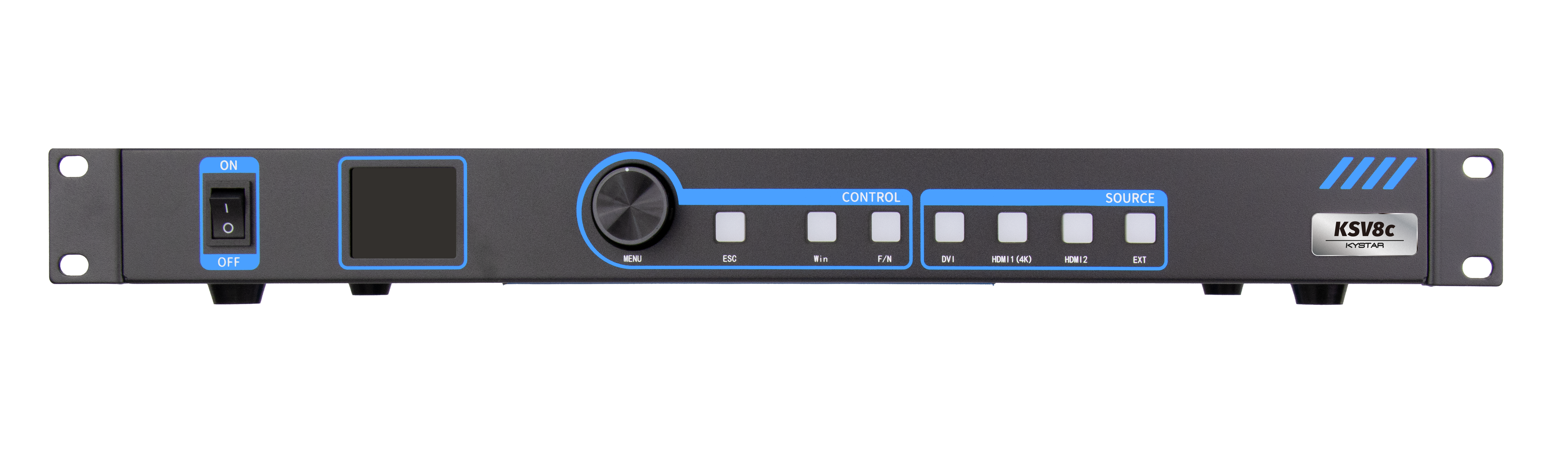
These rules turn specs into reliable outcomes — and that’s where Kystar fits naturally. Kystar offers hardware and sending-card options that align with these priorities, making it easier for crews to deliver stable, high-quality playback. —